How to Play Geometry Dash
Geometry Dash is one of the best games on the Google Play Store and app store. The players need to Know how to play geometry dash . This adventurous game demands light-speed reflexes and unwavering focus. In the guide below you will learn how to time your jump with music, and keys used to play games, understand different types of obstacles, and learn different types of levels.
Gameplay Actions:
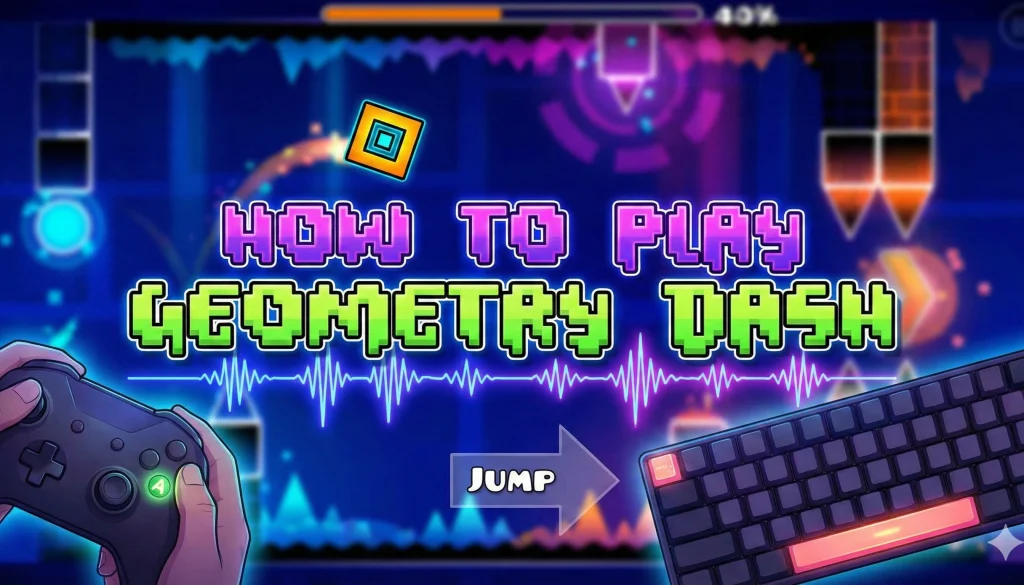
Geometry Dash is a simple but engaging game in which you control a cube-shaped character to dodge obstacles by jumping and dashing with musical rhythm. When you click on the screen the cube makes a jump to dodge the obstacle. Further more you’re each jump synchronize with the music playing behind creating a very engaging and interesting gameplay.
How to master your moves with music
Listen Carefully:
In geometry dash music is your guide. You have to listen carefully to time your jump and detect the change in melody to master your skills.
Practice a lot:
It’s not necessary that you master your skills in first attempt. Keep grinding yourself, take your time and keep practicing the levels you find difficult. By the time the music will ingrained in your memory and you will perform better by every passing attempt.
What are the geometry dash levels
- Hidden Secrets: Look for the hidden pathways and collectibles that can unlock new icons and game modes.
- Obstacles: Ready to dodge the obstacles like sharps saws, pass through the gravity-defying portals, and beware of the spikes that litter the levels.
- Master to control frustration: Geometry dash is notorious for its difficulty. It required concentration, patience, and precision. But you will also get great rewards at the end.
Instructions
- Jump: [Space], [W], [UP], [CTR], or clicking the mouse.
- Pause: Click [P] to pause the game.
- LAG: [L] to toggle the special effects
- Restart: Flag to restart the game
Image guide for how to download and play Geometry Dash
Here is a complete guidness how to play Geometry dash as will as download. All you have to do to play the geometry dash is avoid the obstacles, follow the rhythm of the music, and pass through the portals to speed up your level. If want to master your skills play the practice mode until you are ready to play the competitive matches.
Downloading and running the game:
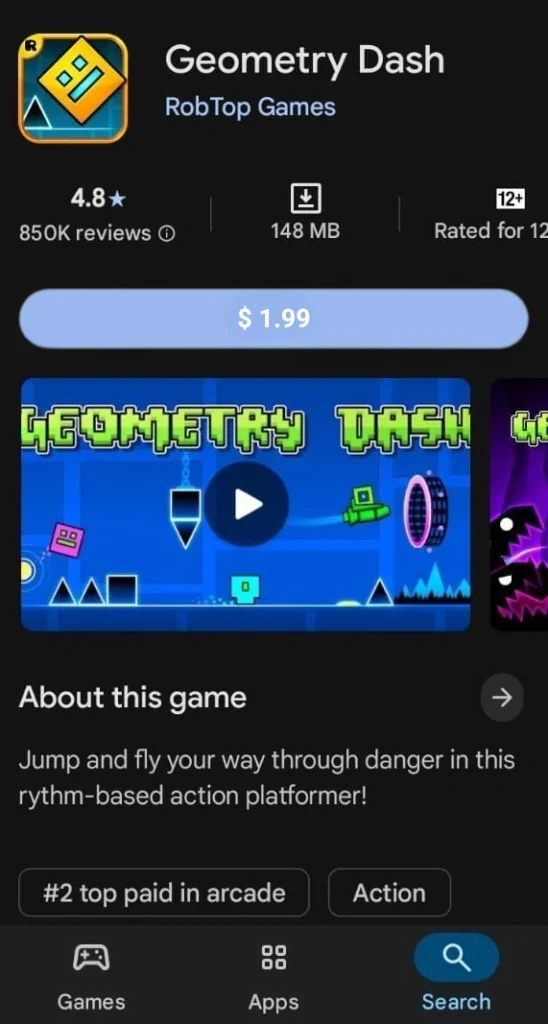
Install Geometry Dash on mobile phone: To download Geometry Dash on your phone go to Google Play Store for Android and App Store for Apple devices, search for Geometry Dash select the correct version from the results, and pay the price to download the game and install it.
Also Check: Download geometry dash for pc
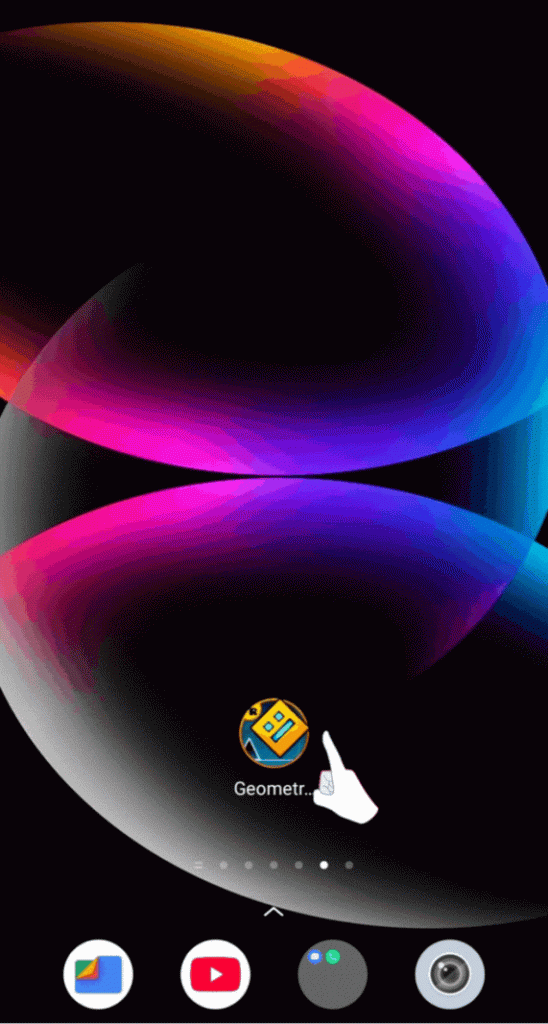
Open the App: From your app gallery click on the latest downloaded app to open.
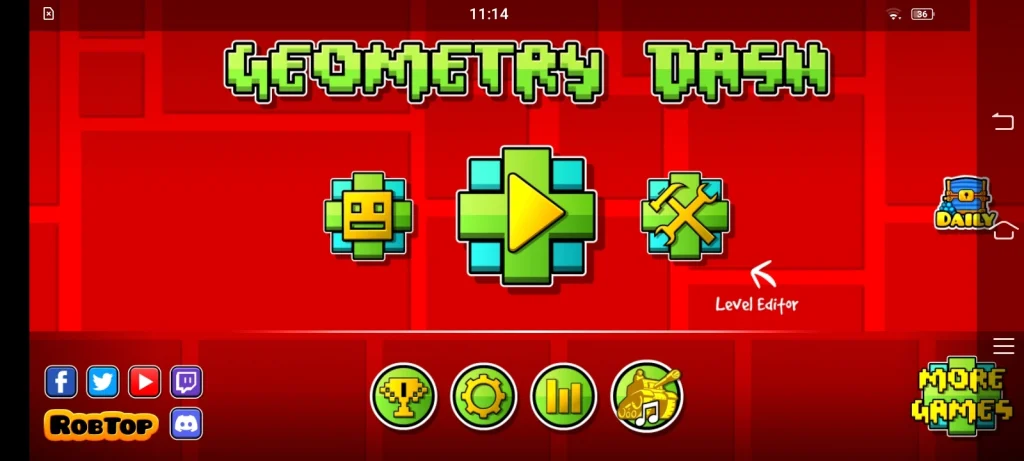
Tap the play button: Click on the play button that is in the centre of the screen it will open the level selection screen.
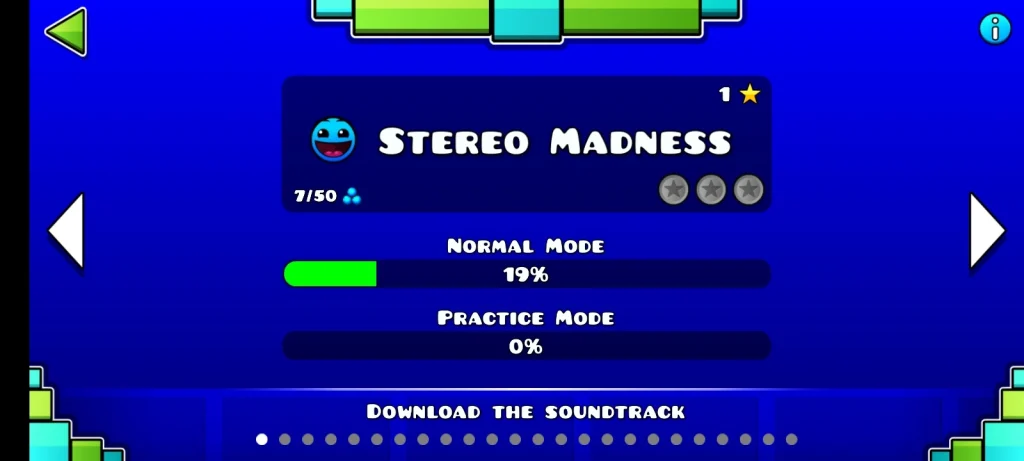
Select the level: From this screen select the level to start the game.
Playing the game
Avoid the obstacles: There are different types of obstacles in the game to avoid them you need either to jump, fly, or change your character’s direction. For jump tap, or change the direction and hold to fly.
Listen to the music carefully: Geometry dash is played by synchronizing your moves with the music beats. So, for a better experience, you need to turn your phone volume on and enjoy the game.
Run through the portals: In Geometry Dash there are portals if you pass through them it will speed up the levels or may change the game mode. You have to be careful as there are obstacles around the portals.
Try in practice mode: In the practice mode, you will have checkpoints before you have to jump. You can try and practice any level of the game but the restriction is you may not have the music playing in the background.
Hit the beats: You will see coloured circles floating in the air or on the platform if you hit them, it will reverse the direction of gravity or cause you to jump higher.
Find & capture the hidden coins: In Geometry Dash you can also find and collect hidden coins to get bonus points. But you have to be very careful while finding them because they are placed in very difficult locations.
Continue to end: Once you reach the end you will complete the level. Doing so will open a new level. Keep playing and complete levels to unlock new levels.
You may also like : Geometry dash vs minecraft apk